Notice

: Function WP_Styles::add was called incorrectly. The style with the handle "hello-elementor-child-style" was enqueued with dependencies that are not registered: hello-elementor-theme-style. Please see Debugging in WordPress for more information. (This message was added in version 6.9.1.) in /home/csrkub/domains/cube-vps.com/public_html/wp-includes/functions.php on line 6131

Notice: Function WP_Scripts::add was called incorrectly. The script with the handle "gpress-custom-js" was enqueued with dependencies that are not registered: gpress-siema. Please see Debugging in WordPress for more information. (This message was added in version 6.9.1.) in /home/csrkub/domains/cube-vps.com/public_html/wp-includes/functions.php on line 6131

*Cube-Host– full cloud services!!

Linux VPS Security: SSH Keys, UFW, and Fail2Ban

Linux VPS Security: SSH Keys, UFW, and Fail2Ban

What we do and why

  • We don’t work under root — we create an administrator with sudo.
  • Login only with SSH keys, passwords are disabled.
  • We enable UFW: “everything is closed except what is necessary.”
  • We install Fail2Ban: it blocks IPs when selecting a password/key.

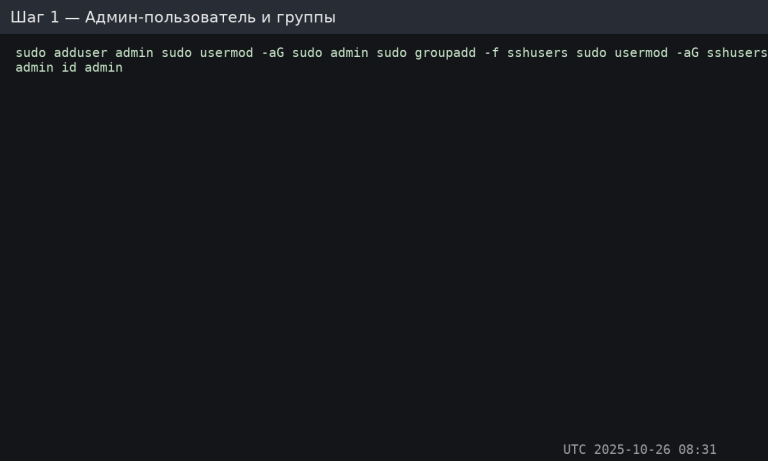
Admin user and groups

We create a user and add them to sudo + the restrictive SSH group:


Linux VPS

SSH keys: generating and adding

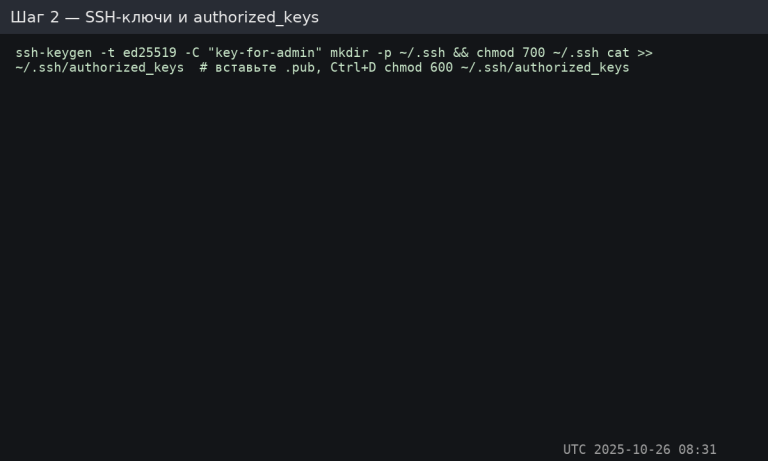
Locally (Windows/macOS/Linux):


On the server as root or an existing administrator:


Linux VPS

Important: only the public .pub key is sent to the server. The private key is stored locally.

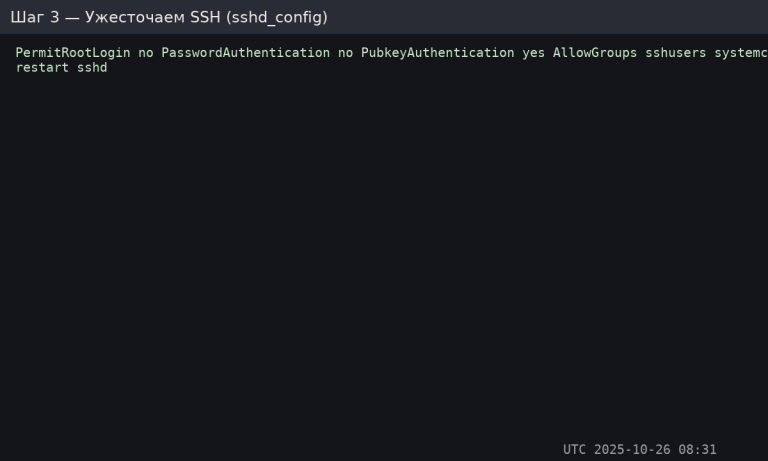
Strengthening SSH (disabling passwords and root login)

Open /etc/ssh/sshd_config and specify:


Restart SSH:


Linux VPS

Verify that the keys work before disabling passwords, otherwise you will lose access.
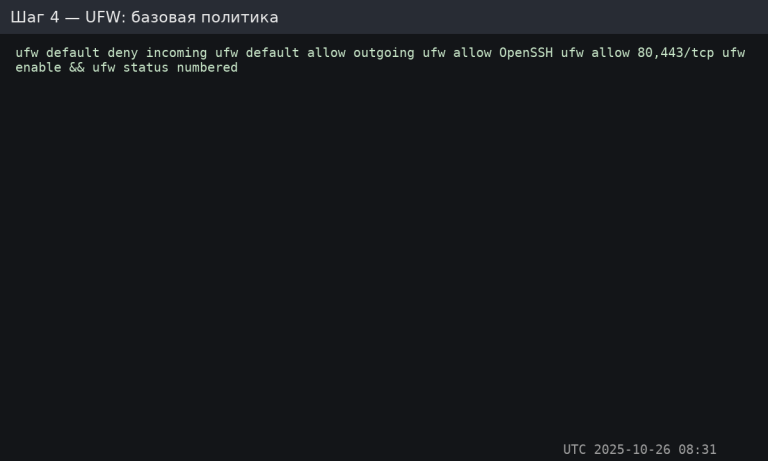
UFW: “closed by default”


Linux VPS

Need additional ports (e.g., 8080)? Add an explicit rule: sudo ufw allow 8080/tcp.
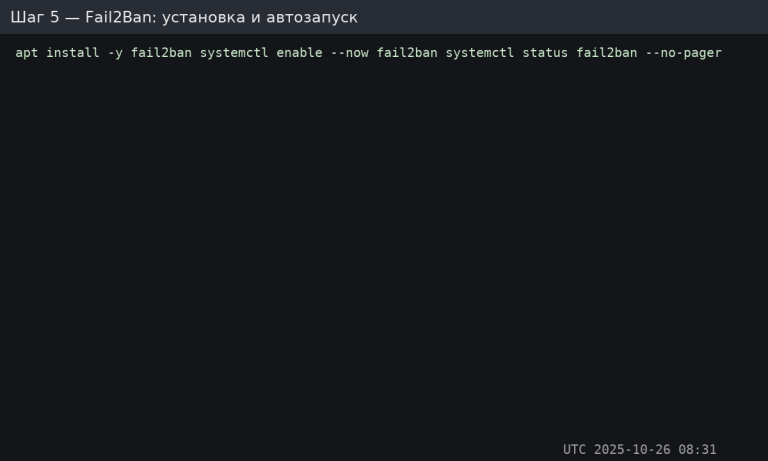
Fail2Ban: installation and autostart


Linux VPS

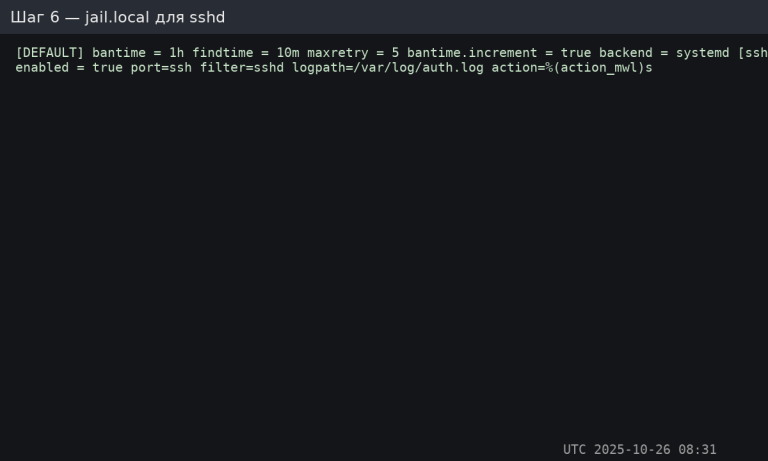
Fail2Ban configuration: jail.local for sshd

Create/edit


Restart:


Linux VPS

%(action_mwl)s will send an email (if email is configured) + log, and also block the IP.

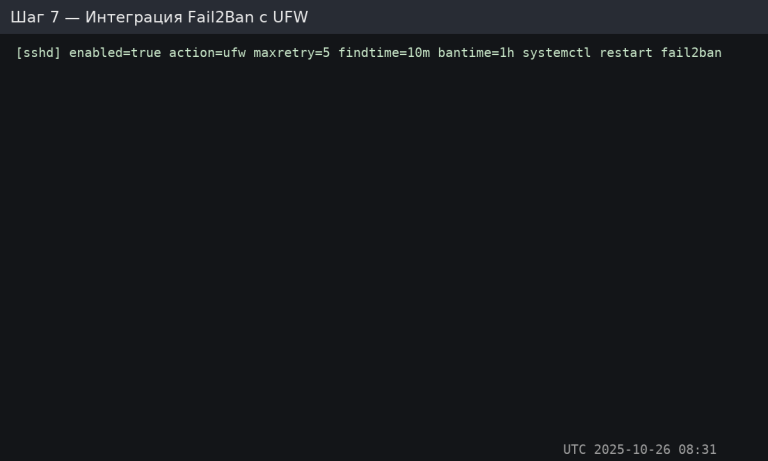
Integrating Fail2Ban with UFW (alternative)

Create a file


Apply:


Linux VPS

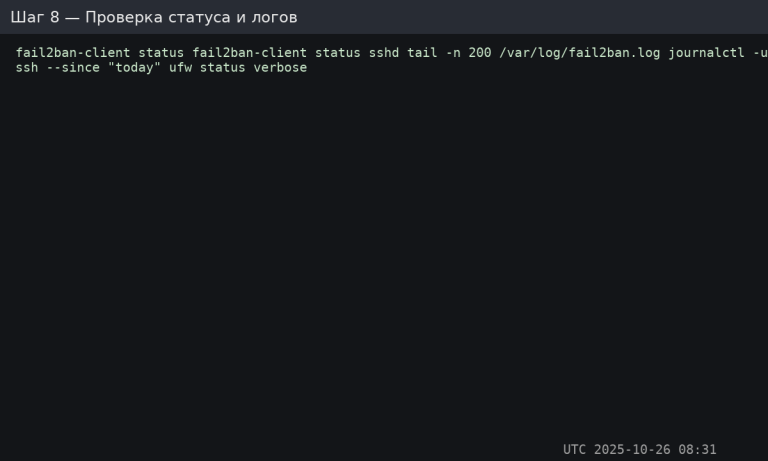
Checking operation and logs


Linux VPS

How to test the ban: from another node, make 5–6 incorrect login attempts, check the sshd status — the IP will appear in the list of blocked IPs.

Security bonuses (optional)

  • Change the SSH port (not a security measure, but reduces scanner noise): Port 2222 in sshd_config + ufw allow 2222/tcp.
  • Restrict SFTP access (chroot) for the group.
  • Enable 2FA for SSH: libpam-google-authenticator + configuration of /etc/pam.d/sshd and sshd_config (AuthenticationMethods publickey,keyboard-interactive).
  • Limit sudo attempts: passwd -l root, sudo visudo with timestamp_timeout=5.

Security checklist

  • Key-based login works, passwords and root login are disabled.
  • UFW: deny incoming/allow outgoing, only necessary ports are allowed.
  • Fail2Ban protects sshd (and optionally nginx/postfix/…); logs are checked.
  • Test ban is performed, rules and accesses are documented.

Table of Contents


Prev