

*Cube-Host– full cloud services!!
: Function WP_Styles::add was called incorrectly. The style with the handle "hello-elementor-child-style" was enqueued with dependencies that are not registered: hello-elementor-theme-style. Please see Debugging in WordPress for more information. (This message was added in version 6.9.1.) in /home/csrkub/domains/cube-vps.com/public_html/wp-includes/functions.php on line 6131
Notice: Function WP_Scripts::add was called incorrectly. The script with the handle "gpress-custom-js" was enqueued with dependencies that are not registered: gpress-siema. Please see Debugging in WordPress for more information. (This message was added in version 6.9.1.) in /home/csrkub/domains/cube-vps.com/public_html/wp-includes/functions.php on line 6131
*Cube-Host– full cloud services!!
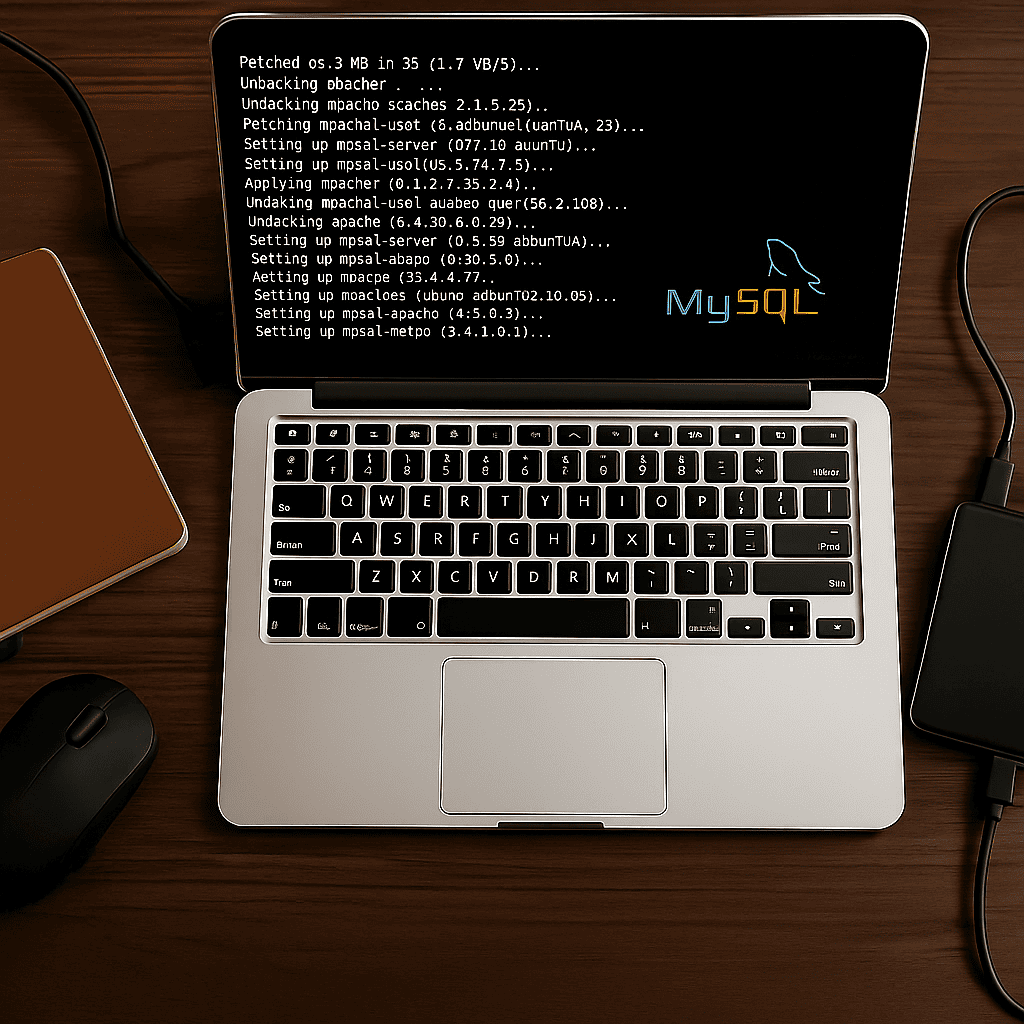
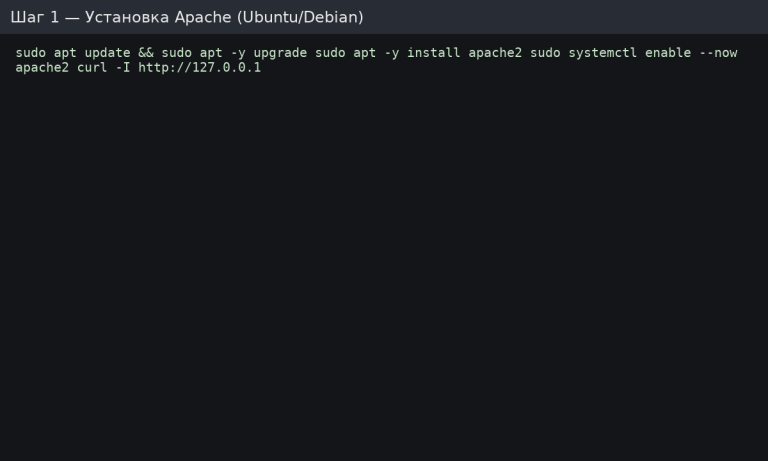
Expecting HTTP/1.1 200 OK headers. The default page is located in /var/www/html/.
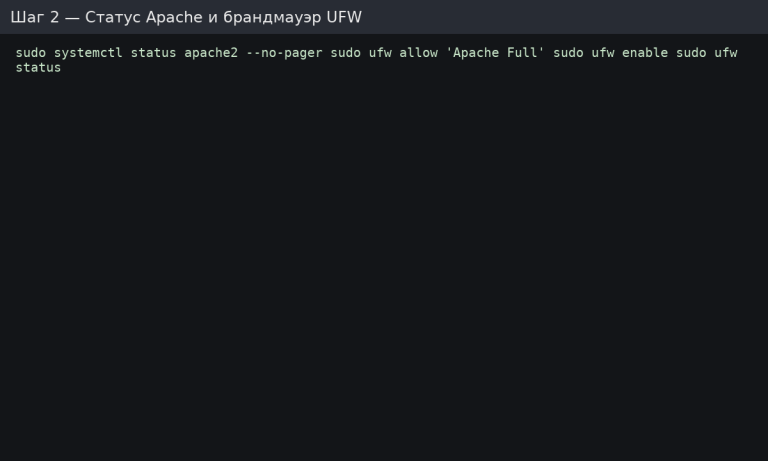
If you are not using UFW, ensure that 80/443 are allowed in your provider’s cloud firewall.
Respond securely:
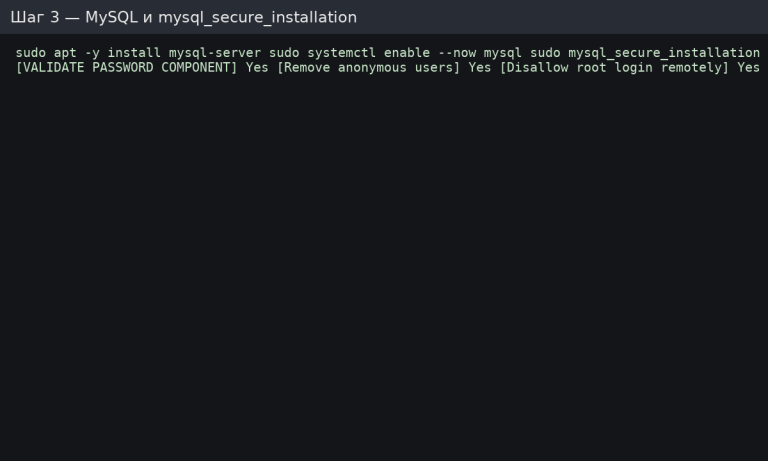
In the MySQL console:
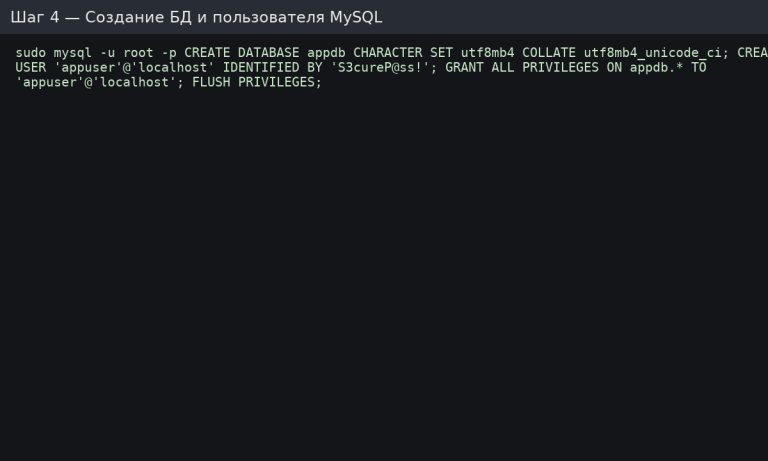
For remote access, specify the host: “appuser”@‘%’ and configure the bind-address/firewall in isolation.
Open http://<IP>/info.php in your browser to see the phpinfo() page (then delete it).
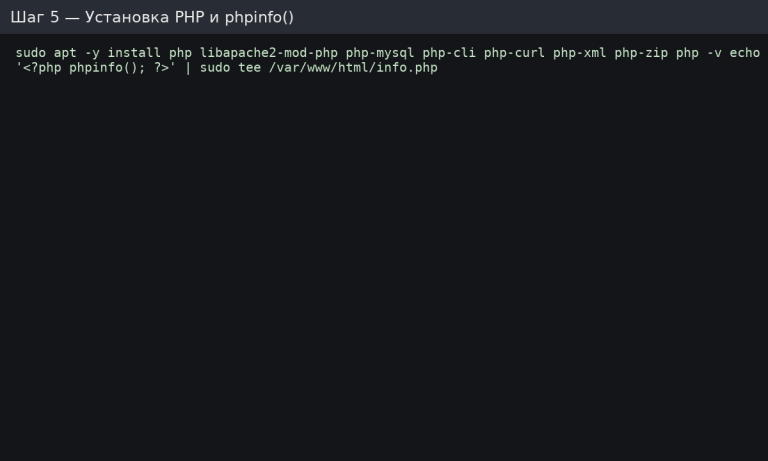
Let’s create the site structure and configuration file:
Create the configuration file /etc/apache2/sites-available/example.com.conf:
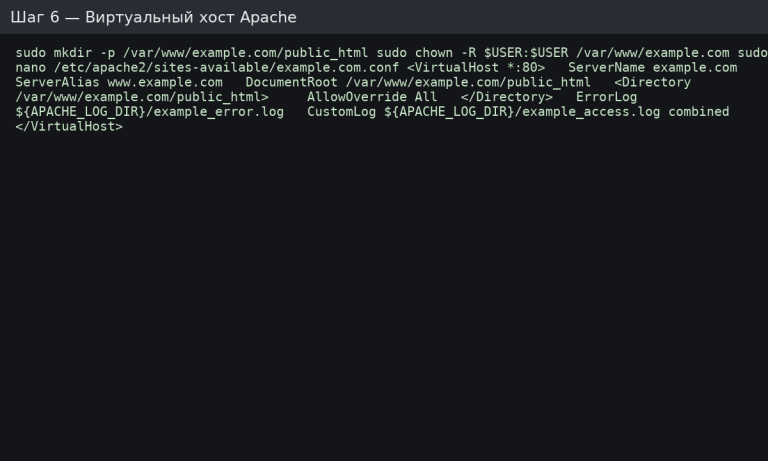
AllowOverride All is needed if you use .htaccess (rewrites, caching, etc.).
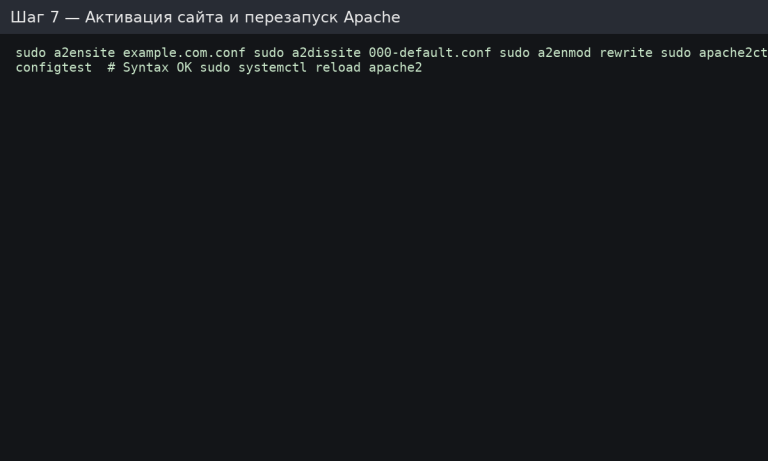
Check the website by domain or IP: Hello from LAMP! should open.
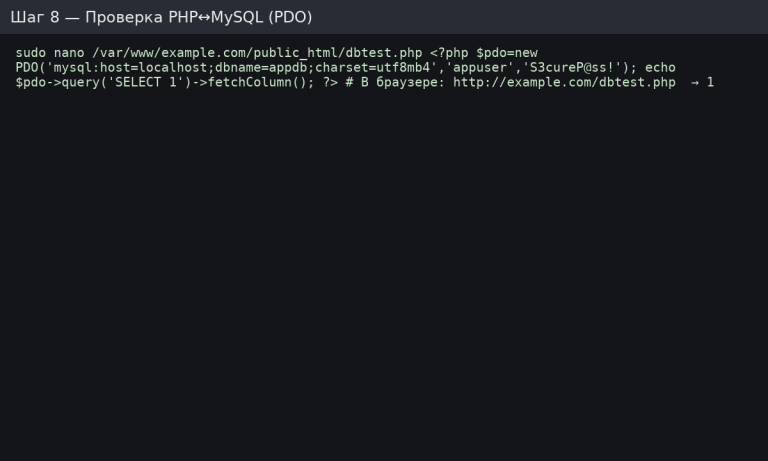
Open http://example.com/dbtest.php → you will see 1.
If the domain points to the server, we install a free certificate:
Certbot will automatically enable HTTPS and auto-renewal.
Edit /etc/php/*/apache2/php.ini:

